🗃️ Understanding Schemas in Snowflake
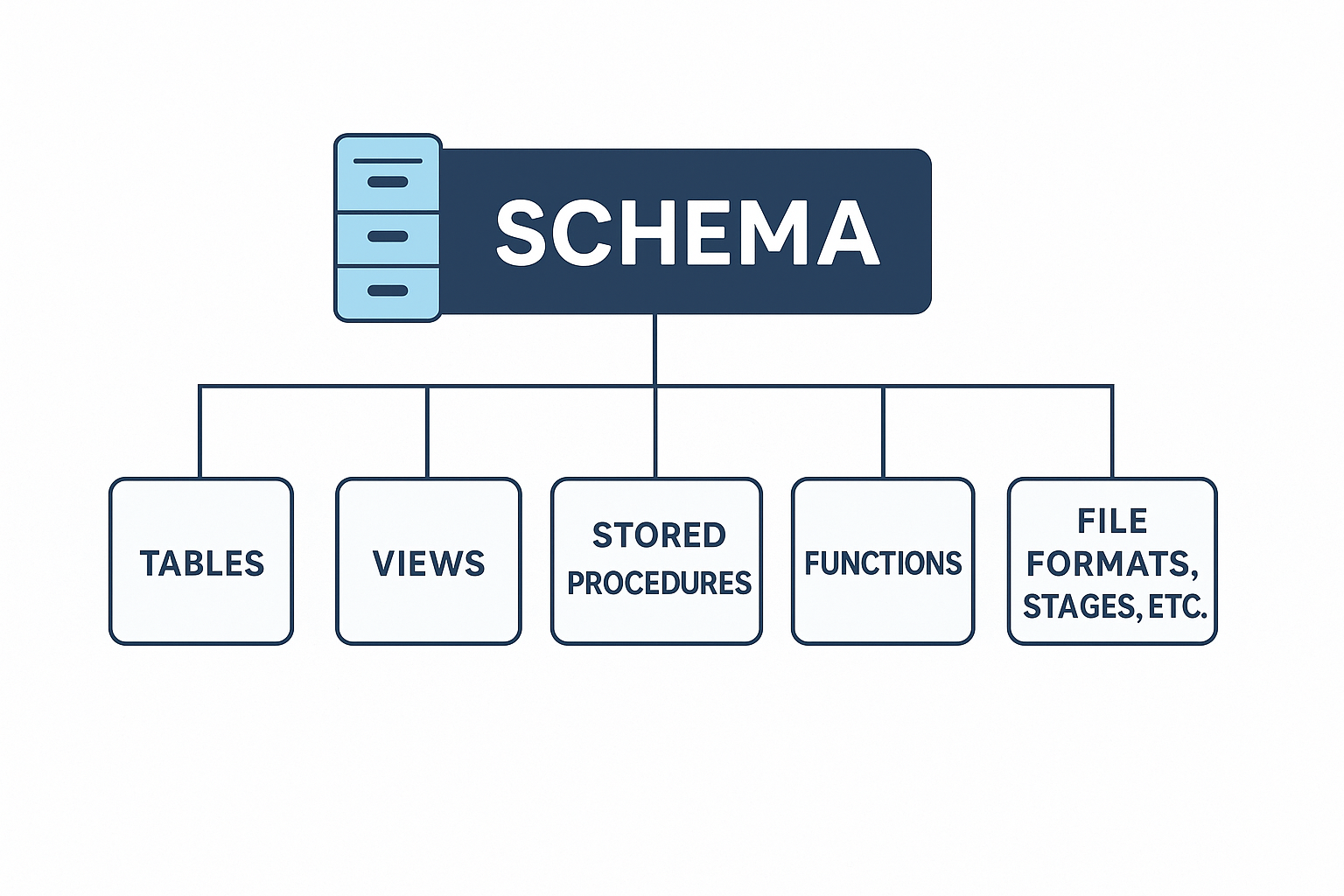
A schema is a logical container within a database that groups related objects like:
- Tables
- Views
- Stored procedures
- Functions
- File formats, stages, and more
Schemas help organize your database content and allow granular access control for teams.
🛠️ Types of Schemas in Snowflake
1️⃣ Standard Schema (Default)
- Comes with Time Travel and Fail-safe (based on edition).
- Ideal for critical or production data.
- Supports full recovery options.
Use when data protection and auditability are important.
2️⃣ Transient Schema
- No Fail-safe, but still supports Time Travel.
- Cost-effective since fail-safe storage is skipped.
- Best for:
- Intermediate or temporary processing
- ETL staging
- Testing environments
Use when losing the schema data isn't a major issue.
3️⃣ Cloned Schema
- Creates a zero-copy snapshot of an existing schema.
- Includes all tables, views, and data as of the current state.
- Instant and storage-efficient.
✅ Use Cases:
- Testing schema changes
- Backup before critical operations
- Creating dev/test environments
4️⃣ Create or Replace Schema
A single command to:
- Create a new schema if it doesn’t exist
- Replace (i.e., drop & recreate) if it already exists
⚠️ Caution: All objects inside the schema are dropped when replaced.
5️⃣ Adding Comments
Snowflake lets you add descriptive comments to schemas:
- Improves documentation
- Helpful in collaborative environments
CREATE SCHEMA marketing_data COMMENT = 'Stores all campaign and ad-related info';

-- Create a schema inside the current database
CREATE SCHEMA my_schema;

-- Create a fully qualified schema inside a specific database
CREATE SCHEMA my_database.my_schema;

-- Create a transient schema
CREATE TRANSIENT SCHEMA my_database.temp_schema;

-- Clone an existing schema
CREATE SCHEMA my_schema_clone CLONE my_database.my_schema;

-- Create or replace a schema
CREATE OR REPLACE SCHEMA my_database.my_schema;

-- Create schema with a comment
CREATE SCHEMA my_database.marketing COMMENT = 'Schema for marketing reports';
| Type | Key Feature | Use Case |
|---|---|---|
| Standard | Has Time Travel & Fail-safe | Production & critical data |
| Transient | No Fail-safe, lower cost | Temp/staging/test environments |
| Clone | Zero-copy instant snapshot | Backups, dev/test |
| Create or Replace | Convenient for resets (⚠️ destructive) | Reset schema with new objects |
| Comment | Adds schema documentation | Improves clarity & governance |